
Know the next job.
Know what really happened.
A practical work queue first. Clear transaction facts when it is time to count the cash and review the business.
See how it works ↓- Acquisition
- Cost
- Sale
- Fees & refunds
- Reconcile
Give the team
a clear next move.
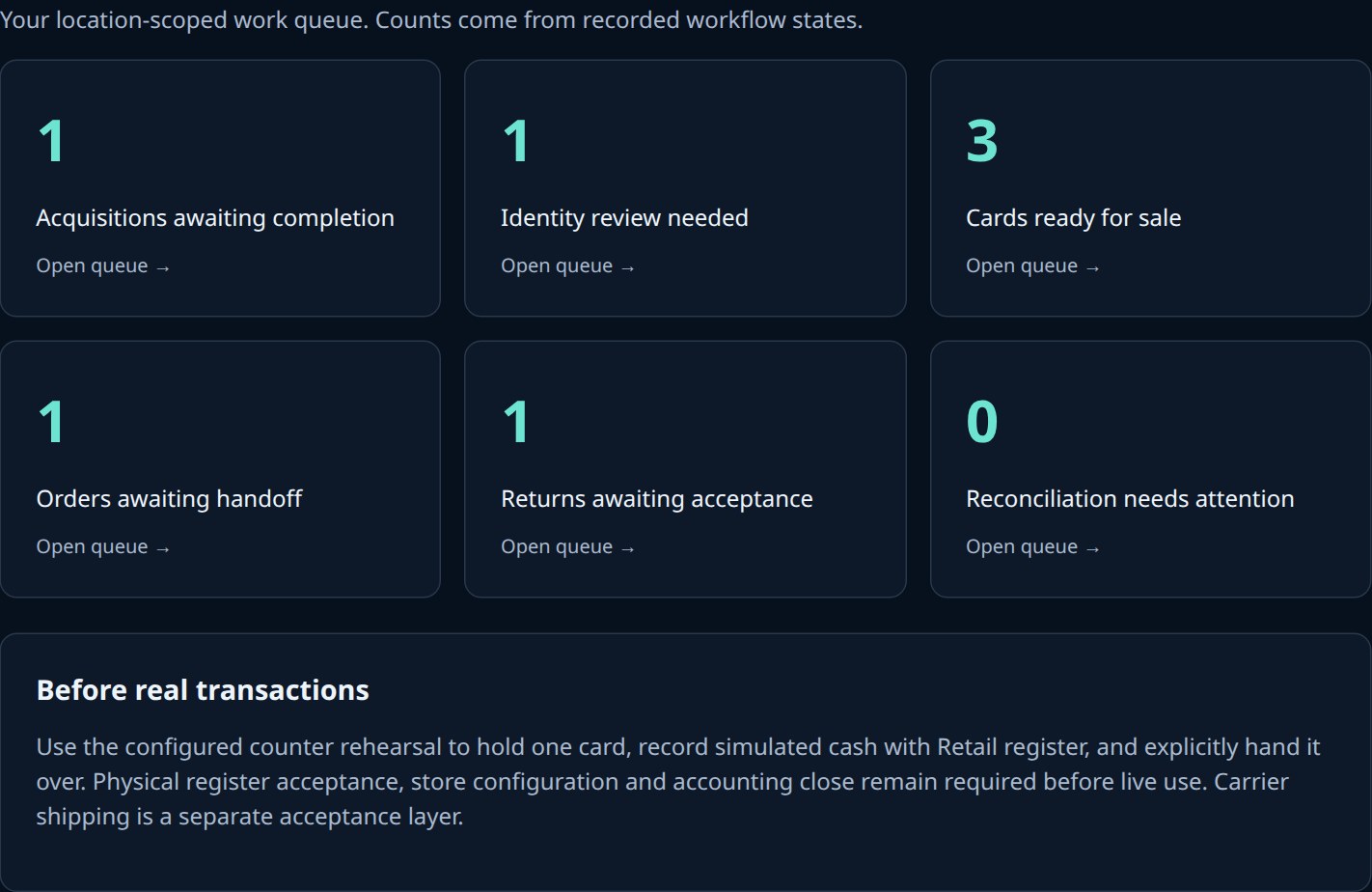
Start with work that needs attention, not a wall of impressive-looking metrics.
- Finish a purchase or review an uncertain card.
- Find an order waiting for handoff or a customer claim.
- Separate returns awaiting acceptance from sale-ready inventory.
Facts you can trace.
Unknowns you can see.
Unknown acquisition cost stays unknown. An estimate of what the card is worth never fills the gap. Refunds remain linked to the original transaction.
Trace the sale
Connect the card, store, location, register, cashier, receipt and transaction.
Close the counter
The isolated cash rehearsal reconciles payments, refunds, expected cash, counted cash and discrepancies.
Grow the view
Consolidated store, channel and inventory-cohort reporting remains a further acceptance step.
Accounting and session-close read-back have passed isolated rehearsal. Production configuration and real register acceptance are still required. This page does not activate bookkeeping or payments.
Let’s walk through
your shop.
One showcase or several stores. Start with the workflow you want to improve.
Controlled pilot enquiries. Contacting us does not activate payments, listings or shipping.
Explore HaloVault plans →